I move WordPress sites to Payload + Astro

Sheet 01-02 — WordPress → Payload + Astro

Same URLs, faster pages, content you own. Your WordPress content moves into a headless Payload CMS; visitors get static pages from the edge; editors get only the fields that exist.

Fig. 01-M — Operations circuit, WordPress retiredScale 1:1 · Module 24
ORIGIN · YOUR CLOUD · YOUR REGIONpushdeploycached html · tlsmediaprobeswebhooksqlnightlysnapshotschecksexportGITrepo · mainBUILDastro · static htmlEDGEcdn · tls · wafVISITORbrowserPAYLOADcontent · urls · rolesPOSTGRESdatabaseBACKUPSnightly · offsiteS3media · assetsMONITORuptime · ssl · errorsWORDPRESSretired after cutover
export ●url map ●redirects ●cutover ●wordpress off ●
01 — What you get

The parts list

Part 01

URL map preserved

Every existing URL is inventoried and either resolves or redirects. Rankings and bookmarked links survive the move.

Part 02

A content model, not page soup

Posts, pages and everything custom become typed collections with fields and roles — agreed before design starts.

Part 03

Static pages from the edge

Astro builds plain HTML that a CDN serves worldwide. Fast on a phone, calm under a traffic spike.

Part 04

Editors who can’t break the layout

Payload shows each editor the fields that exist and nothing else. Drafts, versions and live preview included.

Part 05

No plugin treadmill

No page builder, no forty plugins to update every week. Fewer moving parts to patch, fewer things to fail.

Part 06

Your code, your content

Open-source stack, your repository, your database. No licence fees; take it anywhere.
02 — Proof

Detail A — a platform move

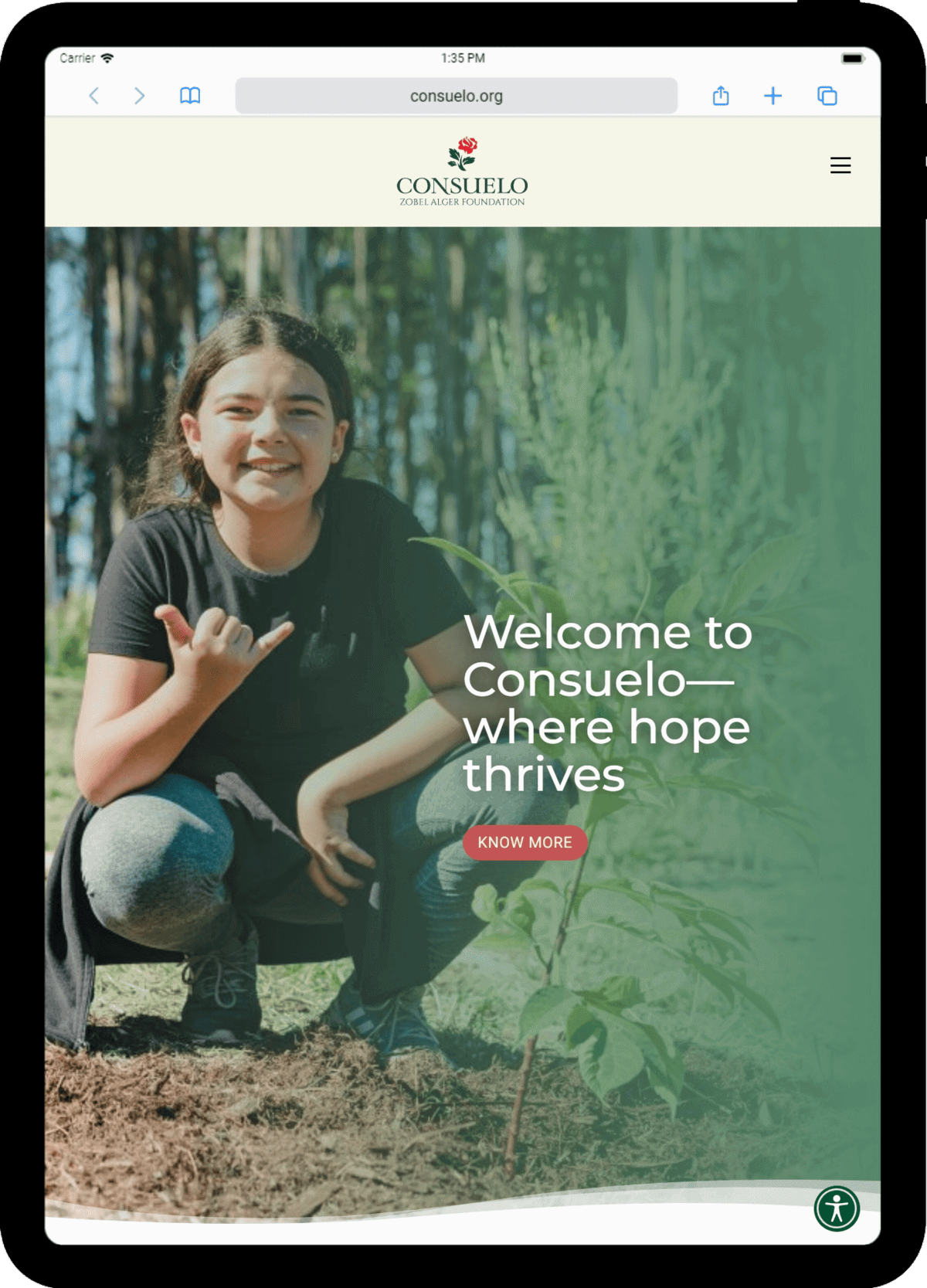
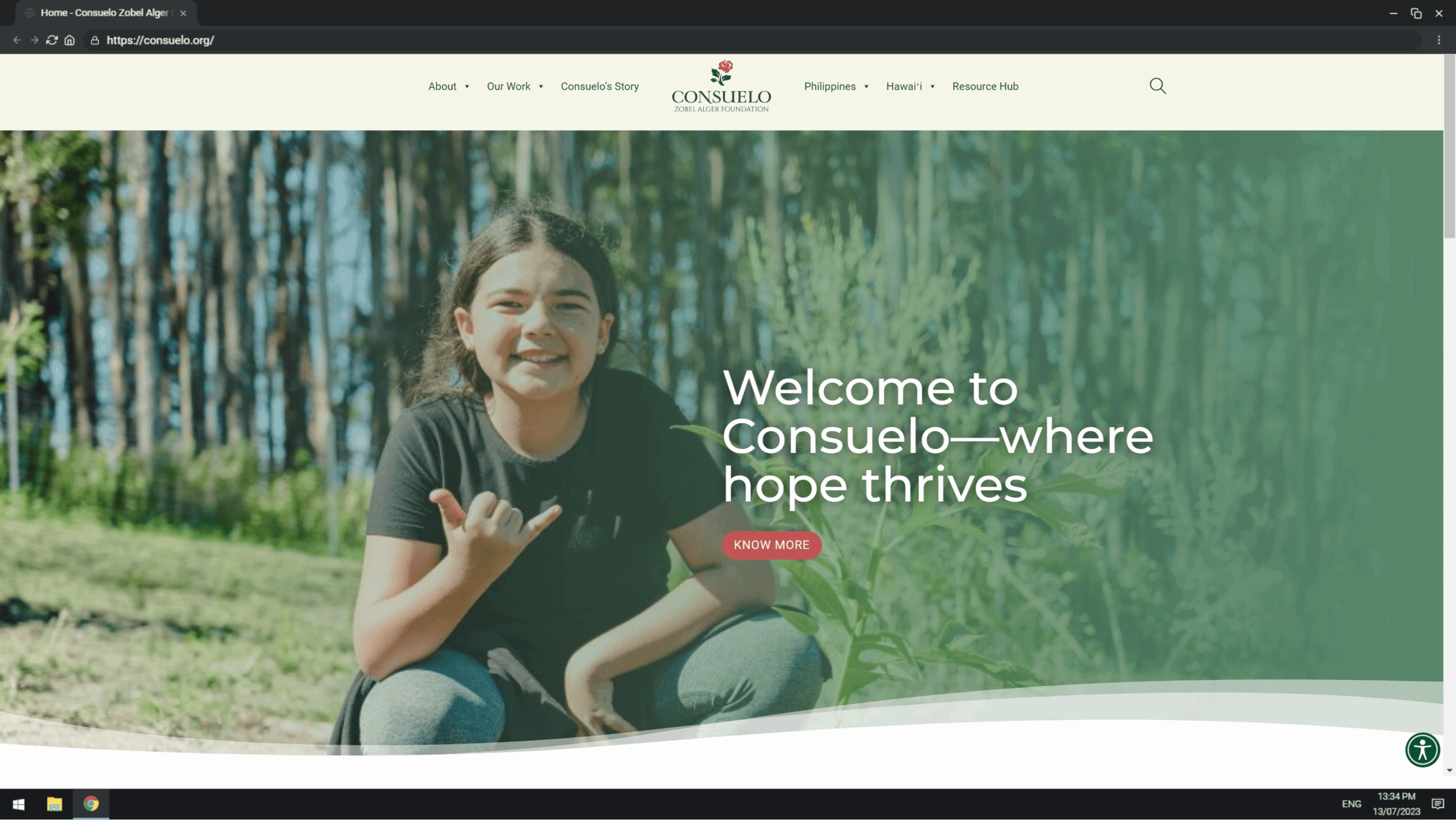
Consuelo Zobel Alger Foundation - desktop
Desktop · 1440
Consuelo Zobel Alger Foundation - tablet
Tablet · 834
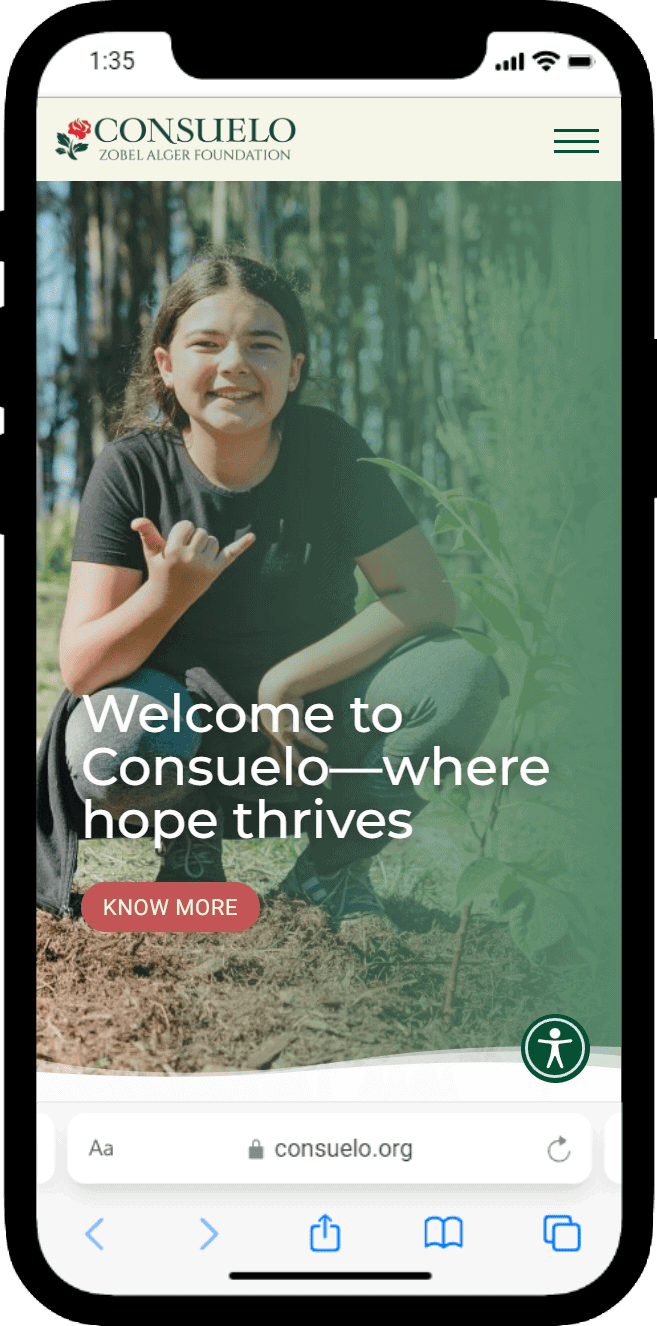
Consuelo Zobel Alger Foundation - mobile
Mobile · 390
Case 01

Consuelo Zobel Alger Foundation

consuelo.org
2023
ACF · ACSS · Bricks Builder · WordPress · WordPress Multisite
→ The full sheet
03 — How it goes

Six steps, one dimension line

  1. 01Audit

    What you have, what it costs, what breaks.

  2. 02Content model

    Collections, fields, roles — agreed before any design.

  3. 03Design

    Drawn on a grid, approved on real content.

  4. 04Build

    Payload + Astro, or Bricks + ACSS when WordPress fits.

  5. 05Migrate & launch

    URL map preserved, redirects tested, DNS cut over.

  6. 06Care

    Hosting, backups, monitoring, updates — for years.

04 — Fit check

Is this the right sheet?

This is for you if
  • Your WordPress site is slow, and every update is a small gamble.
  • Editors work around the page builder instead of with it.
  • You pay for plugins and hosting you can’t fully explain.
  • The content will outlive this design — and the next one.
Not for you if
  • You need a drag-and-drop page builder more than a content model.
  • The site is one page with a contact form. Keep WordPress; I’ll tidy it instead.
  • You need it live this month — a careful migration takes [TIMEFRAME].
Do we lose our SEO?
No. URLs are mapped one by one, redirects are tested before and after cutover, and titles, descriptions and sitemaps move with the content.
Do editors have to learn a new CMS?
Yes, and it is simpler than most WordPress setups. I train the team on the real site and leave a recording.
Can we keep WordPress for part of it?
Yes. Payload can launch beside WordPress and take over section by section, so nothing moves before it is ready.
05 — Start a project

Send me the current site. I’ll send back a scope.

A link and a sentence about what it needs to do is enough. You get an inventory, a phased scope and a quote.

What are you interested in?